

11 minutes to read
TL;DR
A serious security issue was discovered in PHP, the technology behind millions of websites, including many built using WordPress and WooCommerce. Urgent fixes were released on 21 October 2026.
Kontrolit's KIT platform doesn't use PHP, so our KIT websites weren't directly affected.
But there's a bigger lesson here. Whether you use WordPress, Shopify or another platform, it's worth understanding what technology your business relies on, what's connected to your website and who's responsible for keeping everything secure.
What the hell is PHP, and why was everybody talking about it?
If you've been reading the news over the last few days, you've probably seen stories about PHP, security vulnerabilities, hackers, AI and millions of websites potentially being at risk. Lovely. Another collection of technical words that most business owners have absolutely no desire to understand. But this one is worth paying attention to.
First, PHP is a programming language. It's one of the technologies developers use to build websites and online systems. You don't need to know what PHP stands for or how to programme in it. You just need to understand what it does. Think of your website like a house: you've got the things everybody sees, such as the windows, doors and furniture. On a website, that's your homepage, products, images, contact forms and shopping basket. But underneath the house you've also got electricity, plumbing and heating. You rarely think about those systems until something goes wrong.
PHP is a bit like one of those behind-the-scenes systems. It helps your website process information, talk to databases and perform the jobs that make everything work. Many popular platforms, including WordPress, WooCommerce, Drupal and Magento, use it. Research from W3Techs suggests PHP is used by approximately 69% of websites where the underlying server programming language can be identified. That's an enormous number, but it doesn't mean 69% of websites were hacked, or that all of them faced the same risk.

So, what actually went wrong?
On Wednesday 21 October 2026, urgent security updates were released to fix two serious weaknesses within PHP itself. The vulnerabilities were given a severity rating of 9.2 out of 10. That's a technical way of saying the potential consequences were extremely serious.
Under certain circumstances, a criminal could exploit these weaknesses to make a vulnerable server carry out instructions without logging in. Imagine somebody discovering a fault in your house's security system that could allow them to interfere with the locks without a key. They wouldn't necessarily be able to walk into every house, but the possibility would be worrying enough for the manufacturer to issue an urgent fix. Depending on the configuration of a website, successful exploitation could potentially allow an attacker to:
- Interfere with a website or take it offline.
- Access sensitive information.
- Install malicious software.
- Steal credentials that connect the website to other systems.
- Use the compromised server to cause further damage.
That's why governments, cyber security agencies and hosting providers took the problem so seriously. Some organisations temporarily took their websites offline while updates were being applied. That doesn't mean all those websites had been hacked; in many cases, switching them off was a precaution. By 23 October, Dutch cyber security authorities had also reported that exploiting the flaws was more complicated than initially feared. The advice, however, hadn't changed: apply the updates.
Does this affect websites built by Kontrolit?
When the news broke, we contacted our customers to explain the situation. At Kontrolit, our own KIT website platform is built using Microsoft's .NET technology rather than PHP. That means the PHP vulnerabilities announced on 21 October don't directly affect the underlying technology powering our KIT websites.

It was reassuring to be able to contact our customers and explain what had happened and what we'd done, rather than leave everyone wondering whether their website was affected.
But I want to be clear about something: using .NET doesn't mean we're magically immune to security problems. .NET, Ruby, Python, PHP and other technologies can all develop vulnerabilities. The real advantage comes from understanding the technology you're using, maintaining it properly, monitoring security announcements and responding quickly when something needs attention. That's something every business should expect from its website provider, whatever technology they use.
The really interesting part? Some of this problem had been sitting there for years.
This is where artificial intelligence comes into the picture. The underlying weaknesses involved some very old PHP code, with affected versions stretching back to 2012. Concerns about the way PHP handled certain information had been raised before, including during a security review in 2024, but researchers hadn't demonstrated just how dangerous the problem could become.
Then, in August 2026, security researchers using AI helped demonstrate ways the weaknesses could be exploited. In other words, AI helped turn a difficult technical problem into a demonstrable security threat. Importantly, legitimate researchers identified and reported these issues, giving developers an opportunity to prepare fixes. That's a positive example of AI being used to improve security.
But there's another side to it. AI can also help criminals investigate software, identify weaknesses and develop attacks more quickly. It doesn't mean somebody can press a button and magically hack every website on the planet. It does mean that weaknesses previously considered too difficult or time-consuming to exploit may become more attractive to attackers. In May 2026, the UK's National Cyber Security Centre had already warned businesses to prepare for a potential wave of software vulnerabilities being uncovered with the help of AI.

And that's the bit I think business owners should really be paying attention to. The PHP problem might be the headline this week. Next time, it could be a completely different piece of software. This isn't a reason to panic or stop using technology. Quite the opposite. It's a reason to become more organised about the systems your business relies upon.
Is WordPress more dangerous than Shopify?
This question came up during a discussion in a local eCommerce group I'm a member of, and it's a very sensible one. The answer is that the two platforms work differently, so the responsibilities for keeping them secure are different too.
WordPress and WooCommerce
WordPress is built using PHP, and WooCommerce, the popular eCommerce system that works with WordPress, relies on it too. Websites running affected PHP versions therefore needed attention following the security announcement. One important point is that updating WordPress or its plugins doesn't automatically update the PHP software running underneath. That's usually something your hosting provider or technical team needs to handle.
It's rather like redecorating your kitchen when the actual problem is with the electrical wiring. You might have a beautifully maintained website, with every WordPress plugin updated, but still be using an outdated version of PHP behind the scenes. Equally, a professionally managed WordPress website, with supported software, good hosting and sensible security procedures, can be well protected. I wouldn't say WordPress is automatically unsafe. I would say its owners need to know who's maintaining the whole system, not just the parts they can see.
What about Shopify?
Shopify is different. Its main platform is built around different technology, primarily Ruby on Rails rather than PHP, and Shopify manages the underlying hosting and core platform updates for its customers. If you've got a standard Shopify store, this particular PHP issue doesn't directly affect Shopify's core infrastructure. That's reassuring, and one of the genuine advantages of a fully managed platform.
However, there's something I really want Shopify business owners, and indeed anyone running a website, to understand: just because your website platform is secure against a particular problem doesn't automatically mean everything connected to it is secure.
Your website might be secure. But what about everything connected to it?
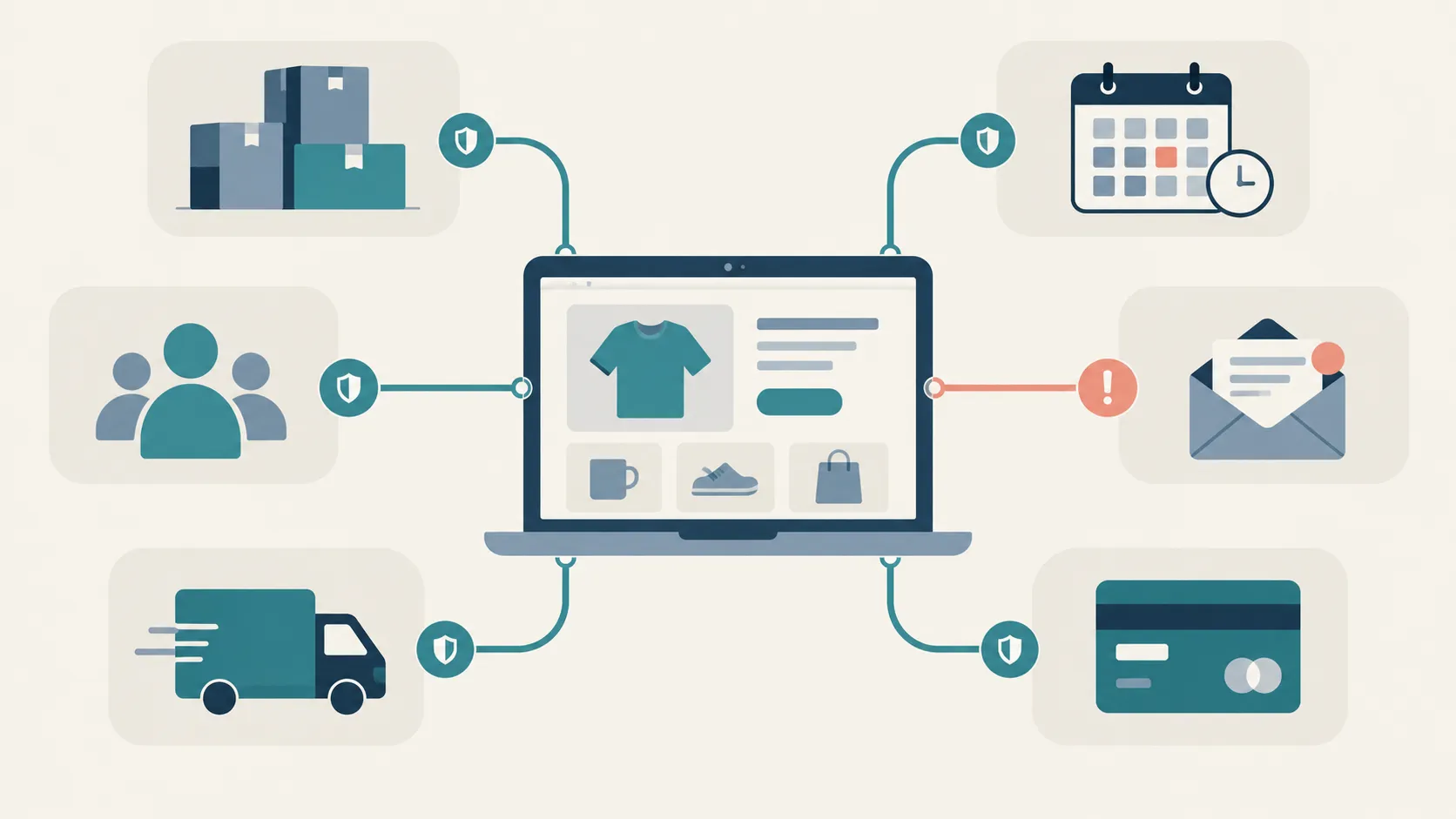
Imagine you've got a brand-new house with excellent locks, security cameras and a state-of-the-art alarm. You're feeling pretty confident. But then you build a garage onto the side of the house, add a garden office and give the electrician, plumber, cleaner and gardener access to different parts of the property. Suddenly, protecting your house involves more than checking the front door. Your website can work in exactly the same way.
Over time, businesses connect all sorts of useful services to their websites. These might include:
- Stock management and warehouse systems.
- Booking and appointment software.
- Customer relationship management (CRM) systems.
- Email marketing platforms.
- Shipping and fulfilment providers.
- Accounting and payment integrations.
- Custom applications built by external developers.
These connections can save time, reduce manual work and help a business run more efficiently. But some are hosted separately, built using different technologies or maintained by completely different companies. Imagine, for example, that you sell through Shopify but have commissioned a custom stock management system to keep product quantities up to date. If that separate system runs on a vulnerable PHP server, it could potentially be affected even though Shopify itself isn't. Depending on its permissions, a successful compromise could have consequences for your business.
I'm certainly not suggesting every Shopify app or third-party integration is vulnerable, or that you need to uninstall everything. Many are professionally maintained and don't use PHP at all. But it's worth knowing what you've connected, what information those systems can access and who is responsible for looking after them.
Here's how to check your own website, even if you're not technical
You don't need to become a website developer or cyber security expert. You just need to ask some sensible questions and know where to look. I'd recommend setting aside 20 minutes to begin with.
Step 1: Find out what your website actually runs on
You might know your website uses WordPress, Shopify, Wix or another platform. But do you know who hosts it, who applies security updates and whether there are other systems connected to it? Start by writing down your website platform, hosting provider and the person or company responsible for looking after it. If you don't know, look at your invoices or ask whoever originally built your site. Not knowing isn't necessarily a disaster, but it's an important gap to close.
Step 2: If you use WordPress, check your PHP version
WordPress has a useful feature that shows which version of PHP your website is using. Log into your WordPress dashboard and go to Tools → Site Health → Info → Server. Look for the PHP version.
The emergency fixes released on 21 October were included in PHP versions 8.2.35, 8.3.36, 8.4.27 and 8.5.12. Your provider should be able to confirm whether you're running a fixed, supported version or an appropriately patched version supplied by your hosting vendor. If you're using PHP 8.1 or older, urgently discuss upgrading, because those versions are no longer supported by the main PHP project.
Some specialist hosting providers may offer additional security fixes for older versions, but don't assume they're present. And please don't start changing PHP versions yourself unless you understand the consequences: some older websites need adjustments to work with newer versions. Your hosting provider should be able to handle this safely.
Step 3: If you use Shopify, review your connected apps
Log into your Shopify administration area and go to Settings → Apps. Review the third-party apps installed on your store and the permissions they have, including what information they can access or change. Ask yourself:
- Do we still use this app?
- Do we know who developed it?
- Does it need access to all the information it can see?
- Does it connect to another system outside Shopify?
- Who is responsible for keeping that system secure?
If you've got custom software connected to Shopify, ask its developer whether it uses PHP and whether the October issue affects it. For important connections, ask for written confirmation that they've checked. But don't randomly uninstall business-critical apps without understanding what they do.
Step 4: Check who has access
While you're looking around your website, check who can actually log in. Are there former employees, developers or agencies who still have accounts but no longer need access? Are you using two-factor authentication, where logging in requires an additional security check? If not, now is a good opportunity to tighten things up. This won't directly repair a vulnerability like the recent PHP issue, which could potentially be exploited without a password, but it remains an important part of website security.
Step 5: Ask about backups and what happens if something goes wrong
Here's a question I don't think businesses ask often enough: if your website disappeared tomorrow morning, what would happen? Would your hosting company have a recent backup? Would you lose orders, bookings or customer information? How quickly could somebody restore everything, and has anyone actually tested whether those backups work?
A backup is rather like an insurance policy. It's reassuring to have one, but considerably less reassuring if you discover it doesn't work when you need it. Ask your provider when backups are taken, where they're stored and how quickly they could restore your website after an incident. If your site handles orders, bookings or frequently changing information, this becomes even more important.
Four questions I'd send your website provider today
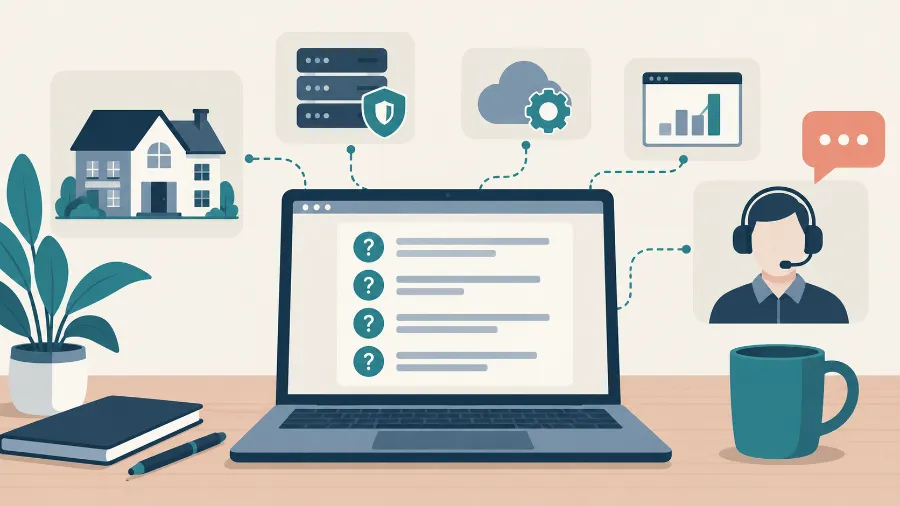
If you're unsure whether your website was affected by the PHP security issue, you can copy and send these questions:
Hi,
Following the PHP security announcement on 21 October, could you please confirm:
- Does our website, hosting environment or any connected system use PHP? If so, which version?
- Have the relevant security fixes been applied, and when were they completed?
- Are we running any unsupported versions of PHP or other software, and if so, what is the plan to upgrade?
- Have you checked for signs of suspicious activity or unauthorised access before the security update?
I'd also appreciate confirmation of whether any third-party applications or integrations need separate attention.
Thanks for your help.
That's it. No technical expertise required. And if your provider responds with an enormous collection of technical language, there's nothing wrong with asking them to explain it in plain English. A good technical company should be able to tell you what was affected, what they've done and whether any further action is needed. A written response is useful evidence that you've asked the right questions, but it isn't a substitute for making sure any necessary work has actually been completed.
What if your website was updated, but somebody had already got in?
A security update repairs a known weakness, but it doesn't automatically remove an attacker who may already have used that weakness to gain access. Think about somebody breaking into your house through a faulty door lock. Replacing the lock is absolutely the right thing to do, but you'd probably want to check whether anything had been stolen or whether the intruder had left another way to get back in.
Website security works much the same way. Your provider may need to check for unusual activity, unfamiliar administrator accounts, unexpected changes and signs of malicious software. If there are genuine signs of compromise, get professional assistance promptly. A proper investigation may also involve checking connected services, reviewing access permissions and replacing exposed credentials.
And if personal information has been compromised, there may be legal responsibilities too. In the UK, certain personal data breaches must be reported to the Information Commissioner's Office within 72 hours of becoming aware of them. That doesn't mean every attempted hack needs reporting; it depends on whether a personal data breach occurred and the level of risk to individuals. The ICO's official guidance explains how that decision works.
My recommendation: create a simple digital inventory
When the next major vulnerability is announced, one of the first questions you'll need to answer is: does any part of our business use the affected technology? If you don't know what technology you're using, that's going to be rather difficult to answer. That's why I think every business should keep a simple record of the digital systems it relies upon.
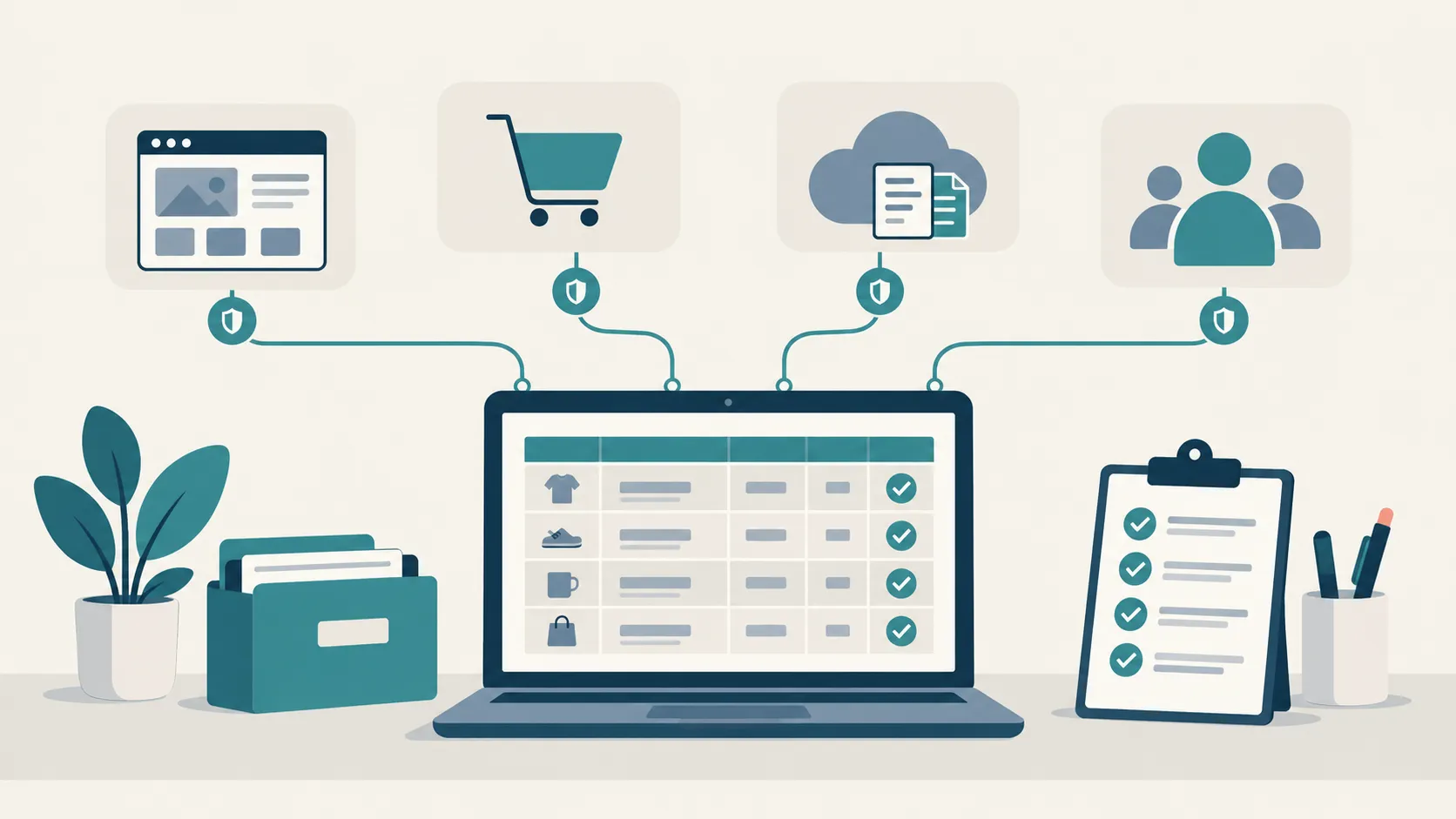
Now, before your eyes glaze over, I'm not suggesting you create a 50-page technical document. A simple spreadsheet would be a perfectly good starting point. I'd call it your Digital Systems Register, and it could look something like this:
| System | What it does | Who manages it | Technology | Last checked |
|---|---|---|---|---|
| Main website | Enquiries and information | Web agency | WordPress / PHP | 26 Oct 2026 |
| Online shop | Product sales | Shopify | Shopify platform | 26 Oct 2026 |
| Stock connection | Updates stock levels | External developer | To confirm | Needs checking |
| Booking system | Customer appointments | Software supplier | To confirm | Needs checking |
| CRM | Customer records | Internal team | Cloud service | 26 Oct 2026 |
These are examples, not an actual business's systems. You don't need to know every technical answer yourself; the important thing is knowing who can give you that answer. For each system, I'd also want to know what other services it connects to, what access it has, whether it stores sensitive data and who will contact you if there's a security problem.
That way, the next time you hear about a major security issue, you're not starting from scratch. You know who to contact, what might be affected and which connections need investigating. I'd review the register every few months, or whenever you add an app, change supplier or commission a new website feature.
One more free tool worth knowing about
The UK National Cyber Security Centre provides a free Early Warning service. UK organisations can register their domains and relevant internet addresses to receive warnings about certain threats and suspicious activity. It won't identify every vulnerability or replace professional security management, but it's a useful additional layer of protection. For smaller businesses looking to improve their overall security, I'd also recommend exploring the NCSC's Cyber Essentials guidance.
A few final myths worth clearing up
Does the PHP problem mean WordPress is unsafe?
No. It means websites using vulnerable PHP installations needed security updates. WordPress websites that are properly hosted, maintained and secured can be well protected.
Does Shopify protect me from this PHP vulnerability?
Shopify's core hosted platform doesn't rely on PHP in the same way, so it isn't directly affected by these flaws. However, separately hosted applications, custom integrations or other connected systems may still need checking.
If my website is working normally, does that mean it's safe?
Unfortunately not. A website can look perfectly normal while still running outdated software. Some compromises may not have obvious visible symptoms either.
If my web company has installed the patch, is that everything sorted?
It's the essential first step for an affected system, but your provider should also consider whether there's evidence of earlier compromise, particularly if the site was exposed before the update.
Could something similar happen to .NET, Ruby or another programming language?
Yes. Different technologies have different weaknesses, and no programming language can be guaranteed to remain free from vulnerabilities. The important thing is how those weaknesses are discovered, managed and fixed.
My final thoughts
If you've got this far, well done. You're probably considerably more interested in website security than you were 10 minutes ago. But here's what I'd really like you to take away: you don't need to understand programming languages, know how a web server operates or become a cyber security expert overnight. You should, however, understand the technology your business relies on, who's responsible for it and what happens when something goes wrong.
Last week's PHP issue has hopefully prompted thousands of businesses to have conversations with their website providers. That's a good thing, and my suggestion is that we don't stop there. A secure website isn't just about the platform you've chosen. It's about understanding everything that's connected to it and having the right people looking after it.
If you're unsure where to start, we're always happy to have a conversation at Kontrolit. We can help you understand your website setup, identify which suppliers need to be involved and work out sensible next steps. No jargon, no scare tactics. Just useful advice.
Author: Richard Howes
Further reading
For anyone who wants to explore the original announcements:
