
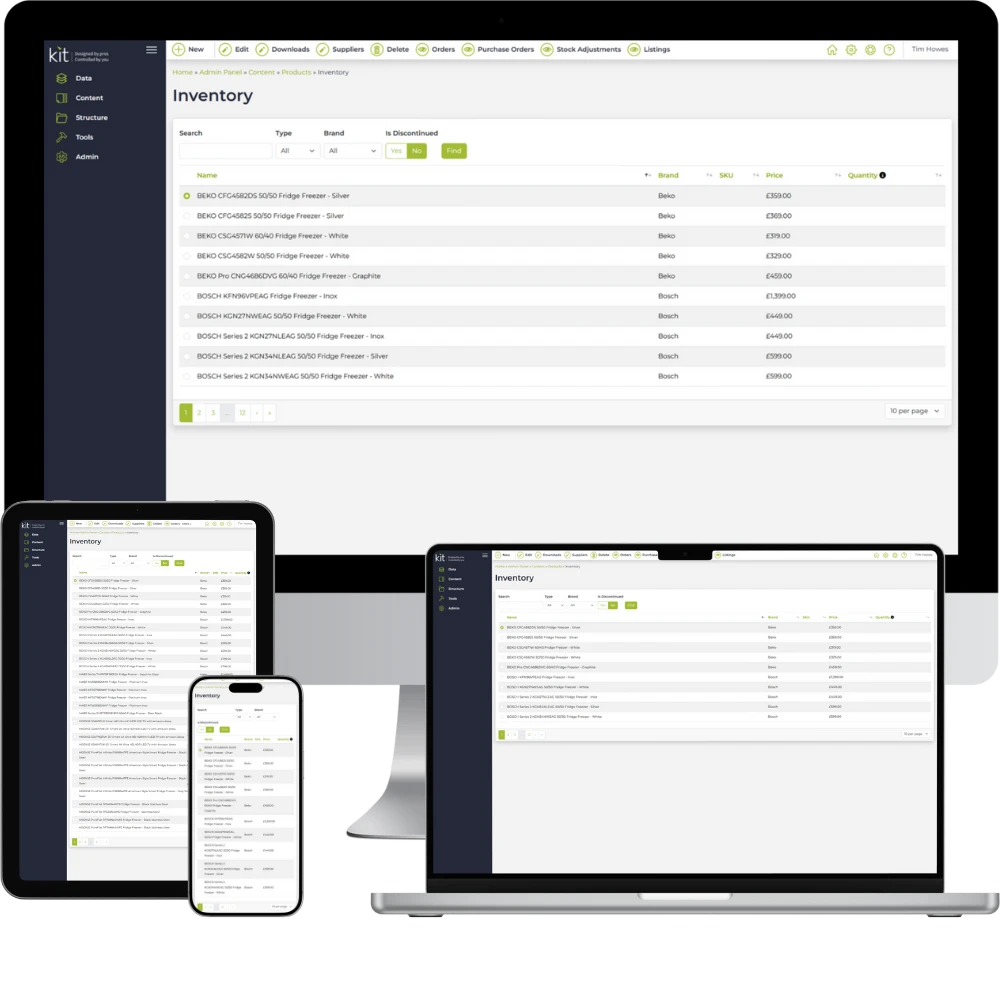
Take control of your website with KIT CMS

Is KIT CMS easy to use?
Yes — it’s designed for non-technical users. You can log in and update your content, images, and pages quickly and confidently.
Can I manage my own content and images?
Absolutely. KIT CMS gives you full control over your website content, including text, images, team profiles, news, FAQs, and more.
Is it secure and regularly updated?
Yes — we maintain and update KIT CMS regularly, and host it on secure UK-based servers with active monitoring.
Can you add custom features to the CMS?
Yes — we can build bespoke modules to suit your needs, like case studies, document downloads, staff directories or media galleries.
Will it work on mobile and tablets?
Definitely. Your site content will display perfectly on all devices, and the admin area is also mobile-friendly for on-the-go updates.
Do I need any plugins or third-party software?
No plugins needed — all core features are built in and designed to work seamlessly together.
Since asking Kontrolit to build our new website and look after our PPC and SEO, the whole team have been extremely supportive and helped us every step of the way. We are starting to see some positive results and would highly recommend this local and professional company to take care of your business needs online. Questions are answered quickly, problems are dealt with immediately and regular meetings to talk through all our requirements for the business really helpful. Thank you Kontrolit.
The Bed Specialist
Our CMS is the result of over 20 years of insight and development, with more features and modules than we could possibly list here.
If there’s something you need and don’t see below, just get in touch.
Content Management
Build and manage your website content with powerful tools that give you full control — no developer required.
- General pages module
- Blog, news, and gallery modules
- Version history with rollback for pages
- Unlimited categories per module
- Image and file management tools
- Resources editor to control on-site text
- Content locking to prevent conflicts
- Localised content support for international visitors
User & Access Management
Keep user access secure and organised with easy-to-use permissions and audit tools.
- Role-based permission manager
- Export active users
- Monitor active sessions and login attempts
- Track user removal requests
Security & Audit Trail
Stay protected with comprehensive logging, admin oversight, and built-in security policies.
- Full audit log of admin changes
- Log of all system-generated emails
- Login attempt tracking and user removal logs
- Content locking for editing control
- Customisable content security policy
Layout & Design Control
Easily structure your site with flexible menus, layouts, and reusable widgets — all without touching code.
- Visual menu editor
- Drag-and-drop layers and widget zones
- Prebuilt widgets: carousels, forms, polls, and more
Forms & User Interaction
Engage visitors and capture leads with customisable forms and interactive messaging tools.
- Built-in form builder
- Anti-spam protection options
- Submission logging and reporting
- On-site notifications module
- Editable email templates with styling controls
Automation & Maintenance
Save time and stay organised with automatic background tasks that keep your site healthy.
- Scheduled tasks (e.g. log clean-up, session expiry)
- Automatic XML sitemap generation
Our CMS also includes a wide range of eCommerce features — from product management to secure checkout and order tracking. See our full list of eCommerce features.